Somewhere in a GitHub repo, a developer shipped an autonomous workflow last quarter, moved to a different team, and left no owner behind. Your Kubernetes cluster has pods labeled “agent-v2-final” next to “agent-v2-final-actual.” None of this is a hypothetical. It’s the default state of most enterprises building with AI agents today.
Gartner predicts that 40% of enterprise applications will feature task-specific AI agents by the end of 2026, up from less than 5% in 2025. As that adoption accelerates, organizations need a reliable way to keep track of the agents they deploy, where they run, and who owns them. If you want the fuller picture of how this sprawl shows up inside a company, AI agent sprawl is already inside your company, and nobody told you.
The fix isn’t a six-month governance overhaul. It’s a system of record you can stand up fast enough to matter.
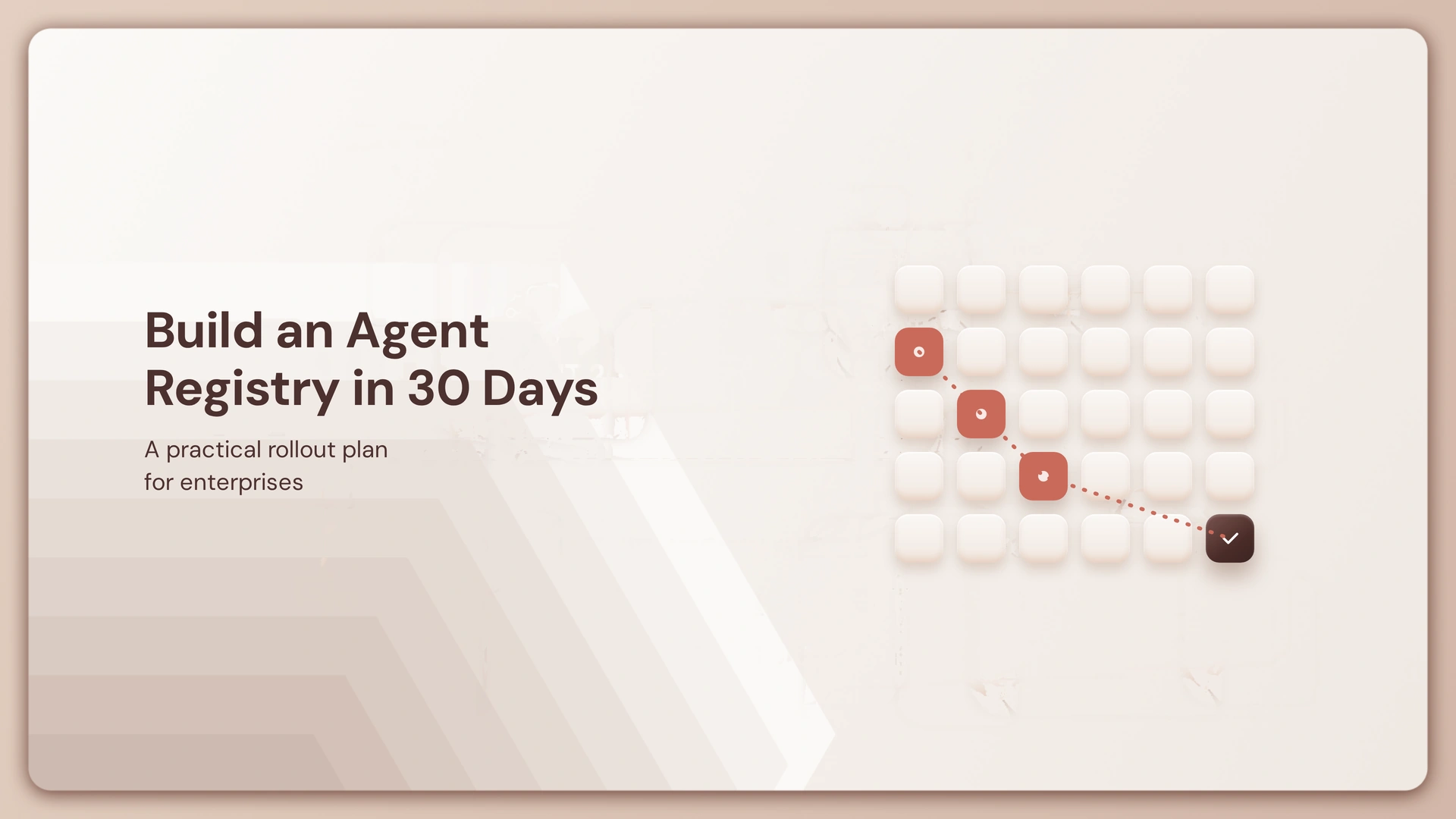
This playbook walks through how to build an enterprise AI agent registry in 30 days, structured as a sprint that moves from discovery to a repeatable operating process. The goal isn’t a perfect registry. Think of this as a production-ready starting point, not a finished enterprise platform. The objective is to establish the record, ownership, and operating process first, then automate and deepen governance over time.
What Should an Enterprise AI Agent Registry Contain?
Every agent record needs enough information to identify, own, and locate that agent.
Not every field is mandatory on day one. Some are worth capturing later once the process is running.
Core Agent Registry Schema
| Field | What it tells you | Priority |
|---|---|---|
| Agent ID | Unique identity for the agent | Required |
| Name | Human-readable identifier | Required |
| Owner | Business and technical accountability | Required |
| Team | Organizational group maintaining it | Required |
| Version | Which build is registered | Required |
| Status | Development, approved, deployed, retired | Required |
| Environment | Dev, staging, production | Required |
| Deployment location | Cloud, cluster, region | Useful |
| Framework | LangChain, CrewAI, custom, etc. | Useful |
| Model/provider | Which model infrastructure it runs on | Useful |
| Tools/MCP servers | External capabilities it can reach | Useful |
| Data access | Systems or data classifications reachable | Useful |
| Risk/security tier | How sensitive its capabilities are | Useful |
| Last evaluated | When it was last assessed | Useful |
| Endpoint/repository | Where the runtime or code lives | Useful |
Prioritize the fields that answer five questions: what is it, who owns it, where does it run, what can it access, and which version is live. These fields describe the agent’s current state and intended scope. They do not, by themselves, enforce what the agent can access at runtime.
The 30-Day Implementation Plan

Days 1-7: Define the Registry and Find Your Existing Agents
Days 1-2, define what counts as an agent. Decide whether your v1 scope includes production agents, pilots, internal assistants, MCP-connected agents, or third-party agents. Skipping this step means three teams register three different things under the same label.
Days 3-4, define the schema. Use the table above as a starting point. Socialize it with the teams who will actually fill it in. A schema nobody can complete gets ignored.
Days 5-7, build the initial inventory. Search GitHub repositories, cloud consoles across AWS, Azure, and Google Cloud, Kubernetes deployments, API gateways, and internal developer portals. Don’t aim for complete discovery yet. Aim for a credible first list and a clear sense of where the blind spots are.
Days 8-14: Register, Connect, and Standardize
Days 8-10, register the known agents. Start with the agents you already identified during discovery and create their records using the agreed schema. Manual entry is acceptable at this stage because the goal is to establish the source of truth before automating how new records arrive.
Days 11-14, connect existing platforms. Wire the registry into the environments where agents already live: AWS, Azure, GCP, Kubernetes, GitHub. The integration method depends on your registry’s architecture, but where automated metadata sync is possible, use it instead of asking developers to keep records updated by hand. GitHub Actions workflows that trigger on merge are a common starting point for keeping version fields current without manual intervention.
Days 15-21: Assign Ownership and Classify Agents
Days 15-17, assign owners. Every production agent needs a business owner, a technical owner, a team, and an escalation contact. An agent without an owner is an unmanaged production dependency, full stop.
Days 18-19, classify capabilities. A simple example framework, adapt it to your organization rather than treating it as a standard:

Example Risk Classification Tiers
| Tier | Description | Example Behavior |
|---|---|---|
| Tier 1 | Read-only or informational agents | Summarizes documents, answers questions |
| Tier 2 | Agents that modify internal systems | Updates tickets, edits internal records |
| Tier 3 | Agents that execute transactions or touch sensitive data | Processes payments, accesses customer PII |
| Tier 4 | High-impact or externally acting agents | Sends customer communications, acts on external systems |
Days 20-21, define production readiness criteria. Before an agent moves to production, require an assigned owner, a recorded version, a completed evaluation, documented permissions and tools, a known deployment environment, a security classification, and a rollback process. This is where the registry stops being a spreadsheet and starts becoming an operational gate.
Days 22-30: Reconcile Shadow AI and Operationalize the Registry
Days 22-25, find the agents you didn’t know about. Your initial inventory is incomplete. That’s expected. Look through API gateway logs, cloud environments, identity systems, and developer tooling for shadow AI, agents built or deployed outside the established approval process. This is the same discipline security teams already use elsewhere, and the cost of skipping it is measurable. A staggering 97% of breached organizations that experienced an AI-related security incident say they lacked proper AI access controls, and among the 600 organizations researched by the independent Ponemon Institute, 63% revealed they have no AI governance policies in place to manage AI or prevent workers from using shadow AI. The report shows that having a high level of shadow AI added an extra USD 670,000 to the global average breach cost.
Days 26-28, reconcile registry records against runtime reality. Look for agents running in production that aren’t registered, registered agents that no longer exist, version mismatches, missing owners, and capabilities that changed after registration. This gap between what the registry says and what’s actually deployed is drift, and it will reappear every month, not just once.
Days 29-30, establish the operating loop. Assign an owner for the registry process itself, and define how often reconciliation runs. The lifecycle becomes: Create, Register, Evaluate, Approve, Deploy, Monitor, Update, Retire. The sprint succeeds when the registry is a living system that this loop runs through, not when it happens to contain a hundred rows.
What Does a 30-Day Agent Registry Actually Give You?
By day 30, expect a defined schema, an initial inventory, ownership on known production agents, basic risk classification, live connections to your key environments, a shadow AI detection process, and production readiness criteria.
What you won’t have yet: complete runtime governance, centralized agent identity, continuous behavioral evaluation, universal policy enforcement, full observability, or lifecycle controls across every environment. That gap is not a failure of the sprint. It’s the next problem.
What an Agent Registry Doesn’t Govern
A registry tells you what agents exist, what they are, who owns them, and where they’re registered.
It doesn’t tell you which agent is actually running right now, whether that version was evaluated, who approved its last deployment, what it’s currently allowed to touch, or whether its behavior has changed since the last review.
A registry tells you an agent exists. It does not deploy it, promote it, or refuse its next call.
Those are runtime and lifecycle questions, and they sit above the registry, not inside it. This is also where the difference between prompt-level control and loop-level control starts to matter, a distinction covered in loop engineering vs prompt engineering in 2026.
Where an AI Control Plane Fits

The registry is the system of record. The Control Plane is the layer that turns that record into an operational governance process.
Opencontroller sits above the infrastructure and registries you already run, adding agent identity, evaluation gates before deployment, permissions and policy enforcement, runtime observability, and audit trails. It doesn’t replace a cloud-native registry, an internal catalog, or a tool registry tracking what functions your agents can call. It can consume registry information and apply governance controls that the registry itself is not designed to enforce. The underlying design of this layer is detailed in the Opencontroller architecture.
The same distinction applies to other agent registries. A skill registry versions the instructions and resources an agent uses, while the agent registry tracks the agent itself. Both can feed into the same governance layer: who approved the change, which agent is using it, and when it was last evaluated. For a fuller framing of what governance responsibility looks like at the CIO level, see the CIO playbook to AI agent governance.
The Registry Isn’t the Finish Line
Thirty days from now, you’ll have something you didn’t have before: a real answer to “how many agents do we have, and who owns them.” That’s not nothing. Most enterprises still can’t say that with confidence.
But the harder work starts right after. As your agent count grows past the first 50, the questions shift from “what exists” to “what is running right now, and is it still doing what it was approved to do.” That’s a different problem, and it’s the one worth scoping next.
Start by pulling your own inventory this week, even a rough spreadsheet, and see how many agents surprise you. Then look at whether your current stack can answer what OpenController is built to answer: not just what exists, but what’s allowed to act.
If you’re ready to move from an agent inventory to a governed operating layer, explore Lyzr’s Opencontroller to see how it provides visibility, identity, and lifecycle governance across your agent estate. Book a demo to see how that governance layer could fit into your existing infrastructure.
Frequently Asked Questions
It’s a centralized system of record that catalogs every AI agent running across an organization, including its owner, version, environment, and access permissions.
Without one, teams can’t answer basic questions about how many agents exist, who owns them, or what they can access, which turns AI adoption into an unmanaged security and compliance risk.
Define what counts as an agent, establish a metadata schema, discover existing agents across your environments, register them, assign owners, classify risk, and connect the registry to your deployment pipelines so it stays current.
At minimum, an agent ID, name, owner, team, version, status, and environment. Useful additions include deployment location, framework, model provider, tools, data access, and risk tier.
A usable first version takes about 30 days. A mature, fully automated registry evolves over months as integrations and reconciliation processes mature.
You can establish a usable first version in 30 days, one with a defined schema, a known inventory, assigned owners, and a repeatable process. A mature enterprise registry with continuous evaluation and complete integration coverage is an ongoing program, not a one-month project.
Scan GitHub repositories, cloud platforms, Kubernetes clusters, API gateway logs, and internal developer portals, and cross-check with team self-reporting since automated scans alone rarely catch everything on the first pass.
Registration is the starting point. Governance requires evaluation gates before deployment, permission enforcement at runtime, and audit trails, which is what a control plane layer adds on top of the registry.
The registry is the system of record, it tells you what agents exist and who owns them. The control plane is the enforcement layer, it decides what a registered agent is actually allowed to do in production and can act on that decision in real time.
Book A Demo: Click Here
Join our Slack: Click Here
Link to our GitHub: Click Here
Got a use case in mind?
8 weeks from use case to agents running in production.
Platform, people and FDEs, all in. Bring your environment. We'll co-build and stay until it's live.
Talk to UsFree resource
101 AI Agents Use Cases
100+ production-ready AI agent use cases across Marketing, Sales, HR, Banking, Insurance, Operations and a lot more
Download now