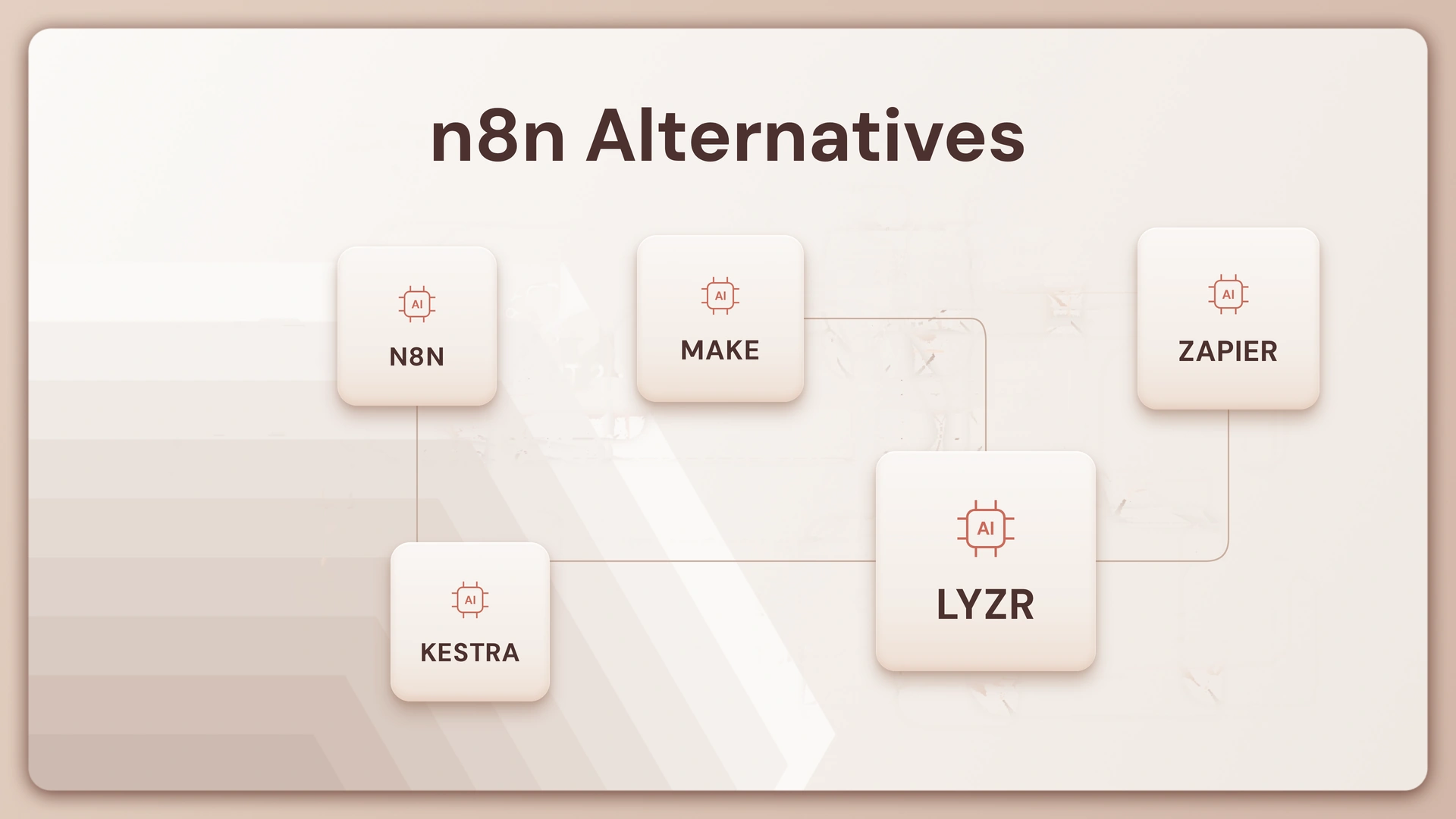
TL;DR: Teams leave n8n for three different reasons, and the right n8n alternative depends on which one applies to you. If you want a cleaner open-source visual builder, Activepieces is the closest match. If you want power without managing servers, Make wins on visual complexity and Zapier wins on integration breadth. If you’ve outgrown workflow automation entirely and need to build, deploy, and govern autonomous AI agents, Lyzr is built for that job. n8n itself isn’t going anywhere, it’s just not built for every team.
Most searches for “n8n alternative” come from someone who has already built something in n8n, hit a wall, and now needs to know what to move to next. That wall usually shows up in one of a few forms: a self-hosted instance that’s become a part-time job, a workflow that chokes under real production load, an SSO requirement the community edition won’t touch, or an AI use case that n8n’s node-based model was never designed to handle.
This guide breaks down eight alternatives across three categories: open-source and self-hosted tools, cloud-based no-code builders, and AI-first platforms built for agent operations rather than workflow stitching. Each section covers what the tool does, where it’s genuinely strong, and where it falls short, so you can shortlist two or three options instead of reading ten more roundups.
Why Teams Look for n8n Alternatives
n8n earns its reputation as an open-source workflow automation platform that lets teams connect and automate tasks across hundreds of apps. It’s a capable, self-hosted, node-based automation platform, and its unlimited users on every plan is a real advantage over task-capped competitors. n8n’s visual editor makes it easy to create workflows with a drag-and-drop interface, while still offering flexibility to add custom logic. The problems show up later, once usage scales past what a small team can casually maintain.
Self-hosting is not free, it’s deferred. The community edition costs nothing to download, but running it in production means Docker, database management, monitoring, and someone on call when it breaks. A maintained production deploy can cost hundreds of dollars a month in engineering time, even before you count the subscription you didn’t pay.
Performance degrades under real load. n8n processes workflows using memory-intensive JSON data structures, and as workflows scale, especially with high concurrency, this can lead to latency issues, execution delays, or even server crashes. That’s manageable for a handful of internal automations. Whether it’s handling hundreds of parallel workflows or memory-heavy tasks, the right n8n alternative should offer stable performance, it becomes a liability once a workflow sits on a customer-facing path.
Enterprise controls sit behind a paywall, or don’t exist yet. The community version lacks robust multi-user support and role-based access control, making it difficult for teams to collaborate on workflows. SSO, environments, and audit trails are enterprise-tier features, which is a hard blocker for regulated industries.
AI support is a set of building blocks, not a finished agent. Workflow builders give you primitives and ask you to assemble the agent yourself. n8n’s AI nodes let you wire an LLM call into a flow. They don’t give you native memory, retries, or governance the way a purpose-built agent platform does. For teams building agentic workflows rather than linear ones, that gap becomes the whole problem.
None of this makes n8n a bad tool. Look for automation platforms that don’t slow down under pressure before assuming the fix is switching platforms entirely, because sometimes the fix is a better n8n setup, not a replacement.
How We Evaluated Each Alternative
Three criteria decided where each tool landed in this guide.
Infrastructure burden. Does the platform require you to provision and maintain servers, or is it managed? This determines your real total cost, not just the license price.
AI-native depth. Can the platform orchestrate an autonomous agent with memory and reasoning, or does it only chain API calls with an LLM step bolted in?
Enterprise readiness. Are SSO, RBAC, and audit trails available out of the box, or gated behind a sales call and a six-figure contract?
Best n8n Alternatives at a Glance
This is the table worth bookmarking. Everything below explains the reasoning behind it.
n8n Alternative Comparison Table
| Tool | Best for | Open source | Self-host | AI-native | Free tier | Pricing from |
|---|---|---|---|---|---|---|
| Activepieces | Open-source visual builder | Yes (MIT) | Yes | Yes (MCP) | Yes | $5/flow/mo |
| Kestra | Code-driven orchestration | Yes (Apache 2.0) | Yes | No | Yes | Free (OSS) |
| Windmill | High-performance scripts and flows | Yes (AGPLv3) | Yes | No | Yes | Usage-based |
| Make | Complex visual branching | No | No | Limited | Yes | $9/mo |
| Zapier | Fast SaaS integrations | No | No | Limited | Yes (100 tasks) | $19.99/mo |
| Power Automate | Microsoft ecosystem teams | No | No | Limited | With M365 | Per-user/bundled |
| Pipedream | Code-first developer workflows | Partial | No | Limited | Yes | $29/mo |
| Lyzr | Enterprise AI agent operations | Partial (OSS SDKs) | Yes | Yes (core) | Yes (Studio) | Custom |
Open-Source and Self-Hosted Alternatives
Worth clarifying up front: n8n itself isn’t fully open source in the OSI sense. n8n uses a “fair-code” sustainable-use license, which makes the source available but restricts commercial resale and some hosting. That’s part of why “n8n alternative open source” is such a common search. These three tools use genuinely permissive licenses.
1. Activepieces
An open-source visual builder with a drag-and-drop interface and a fast-growing library of integrations. The Community Edition is MIT, so you can self-host it free with unlimited flows and runs and no per-task fee. Its standout feature in 2026 is AI tooling: its strongest pull for AI work is MCP coverage, with every one of its 400-plus integrations also exposed as an MCP server so tools like Claude or Cursor can call them directly. On the cloud plan, pricing runs $5 per active flow per month with unlimited runs. The tradeoff: a smaller integration catalog and community than n8n’s, and less maturity for complex branching logic.
2. Kestra
A code-driven orchestration platform where workflows are defined in YAML rather than dragged onto a canvas. It ships with 1,400+ plugins and built-in governance, with retries, timeouts, SLAs, RBAC, and audit logs baked in, not bolted on. That makes it a strong fit for enterprise workflow automation at data-pipeline scale. It’s a poor fit for non-developers, since there’s no visual builder, and its AI-native features remain minimal.
3. Windmill
A high-performance, open-source platform for running scripts as workflows and internal tools. It turns scripts written in Python, TypeScript, Go, or Rust into production-grade workflows and internal UIs, and automatically generates a frontend for your scripts based on their input parameters. It’s the fastest execution engine in this category, but it assumes you can code. Skip it if your team builds automations without an engineer in the room.
Cloud and No-Code Visual Builders
These three trade self-hosting flexibility for zero infrastructure overhead. If “n8n zapier alternative open source” brought you here, note that neither of the two biggest names in this category are open source at all.
4. Make
A visual scenario builder with a flowchart-style canvas built for branching, loops, and data transformation. It’s often the pick for teams that want n8n’s visual power without the server. Paid plans start at $9/month based on operations, and it has more off-the-shelf UI features and operations-based pricing than n8n, though n8n is stronger for self-hosting, custom nodes, and developer control. Make supports multi-step automations without requiring code, but it’s cloud-only, and migrating from n8n means rebuilding every scenario from scratch.
5. Zapier
The category’s default answer, built on sheer reach. Zapier wins with 8,000+ apps, though you’ll pay for the privilege. The free plan covers 100 tasks and two-step workflows; the Professional plan starts from $19.99 a month with multi-step Zaps and premium apps. It’s the fastest setup for simple, linear automations and needs zero maintenance. It struggles with complex branching logic and gets expensive fast at volume. For teams evaluating Zapier’s newer AI tooling against a purpose-built agent platform, see Lyzr vs. Zapier AI Builder.
6. Microsoft Power Automate
Native to the Microsoft ecosystem, combining cloud-based flows with desktop RPA for legacy apps. Its AI authoring visual builder lets you create, edit, and extend process automation in natural language using Copilot, applying AI at every stage of workflow automation, from discovery to optimization. For Microsoft shops, that’s a real advantage, along with native SSO through Azure AD. Outside that ecosystem, the interface feels dated and pricing gets complicated fast.
AI-First and Enterprise Agent Platforms
This is the category that actually answers “n8n ai alternative,” because these tools aren’t automating a sequence of steps. They’re operating something closer to a colleague.
7. Pipedream
A developer-first platform built on serverless code steps. It offers first-class coding in JavaScript, Python, and TypeScript, real-time event sources and webhooks, and good secrets, logs, and observability, but is less friendly for non-technical users. The free tier is generous, with paid plans starting at $29/month on usage-based pricing. It’s a strong pick for event-driven API orchestration, but it has no visual builder and limited enterprise governance out of the box. For a broader view of where agent-native platforms sit in this landscape, see 20 best AI agent platforms.
8. Lyzr
Here’s the honest distinction: Lyzr isn’t a workflow automation tool competing on node count. It’s an enterprise AI agent platform, built for teams that need to move past API stitching into building and governing agents that reason, remember, and act.

Where an n8n flow chains individual nodes together, a single Lyzr Agent instance encapsulates that logic internally: memory to carry context across a conversation, retry logic for failed steps, and reasoning to decide what to do next without a human wiring every branch by hand.
That AI-native depth is built in, not bolted on. Key capabilities include RAG (Retrieval-Augmented Generation) pulled from an organization’s own knowledge base, LLM-powered schema alignment with autonomous retry logic, and voice interface integration for agents that speak. Every automation step, whether it’s banking automation or a customer support flow, carries its own reasoning trail instead of a static log line.
Governance is the other half of the pitch. For enterprise-level needs, Lyzr’s Control Plane provides agent-level permissions, auto-generated audit trails, and pre-deployment review, the kind of enterprise-grade security that’s usually locked behind an n8n enterprise contract, if it exists at all. Lyzr also grounds agents in organizational knowledge rather than treating internal data as an afterthought.
None of this locks you into one way of building. Import agents from LangChain, CrewAI, or AutoGen, register them under one agent orchestration layer, and run them on GPT, Claude, Gemini, or an open-source model, on any cloud. The low-code Agent Studio handles the parts that don’t need custom framework code. For teams evaluating best AI agent frameworks against a managed platform, this framework-agnostic approach is usually the deciding factor.
Pick Lyzr when the real problem isn’t “I need more nodes.” It’s “I need an agent that can handle this task end to end, and I need to prove to compliance that it did it safely.” For the detailed feature breakdown, see Lyzr vs. n8n.
How to Choose
Match the decision to the actual reason you’re leaving n8n, not to whichever tool ranks highest on a listicle.
Want a better n8n, same open-source approach: Pick Activepieces for a cleaner visual builder, or Windmill if your team codes and wants raw execution speed.
Want scale and simplicity without self-hosting: Pick Make for complex branching logic, or Zapier if breadth of integrations matters more than sophistication.
Have outgrown workflow automation and need AI agent operations: Pick Lyzr. If you’re weighing it against other agent-native tools, see Lyzr vs. Gumloop or Lyzr vs. Agentforce. Developer teams building agents from scratch can also start in Architect.
Ready to move from workflow automation to AI agent operations? Book a demo.
Frequently Asked Questions
What replaced n8n?
Nothing has replaced n8n outright. It’s still actively maintained and widely used. Teams outgrowing it typically move to Make or Zapier for workflow needs, or to agent platforms like Lyzr for AI-native use cases.
Is n8n outdated?
No. n8n ships regular releases and remains a strong self-hosted option. It becomes limiting at enterprise scale, for advanced AI use cases, and once SSO or RBAC are required on the community edition.
Which is better, n8n or Make?
n8n offers self-hosting and open-source flexibility. Make offers a more powerful visual editor with thousands of integrations and no infrastructure to manage. Make suits non-technical teams; n8n suits developers who want control.
Is n8n free forever?
The community edition is fair-code licensed and free to self-host indefinitely. Cloud plans and enterprise features like SSO and dedicated environments require a paid tier.
Can I self-host n8n for free?
Yes, using the community edition. The software costs nothing, but hosting isn’t free of effort: infrastructure, monitoring, and upgrades still land on someone’s plate.
What is n8n best for?
Connecting SaaS apps and automating API-to-API workflows where a visual, self-hosted, developer-friendly editor is the priority.
What is better than n8n?
It depends on the gap. Make for visual power, Zapier for ecosystem breadth, Lyzr for AI agents with governance, Kestra for code-driven data pipelines.
Which AI workflow automation tool is best?
For autonomous AI agents, Lyzr. For AI-assisted workflow steps within a linear flow, n8n or Make with an LLM node. For ML pipelines, tools like Airflow or Kestra.
Is there a free open-source n8n alternative?
Yes. Activepieces (MIT), Windmill (AGPLv3), and Kestra (Apache 2.0) are all genuinely open source and free to self-host.
What is the Google n8n alternative?
Google doesn’t offer a direct equivalent. The closest options are Google Cloud Workflows for code-driven orchestration and AppSheet for no-code app automation.
The Real Question Isn’t Which Tool Wins
There’s no single best n8n alternative, because “alternative” assumes everyone is solving the same problem. A team hitting a self-hosting wall and a team trying to deploy autonomous agents with audit trails are not shopping for the same thing, even though they typed the same search query.
If your workflows are still fundamentally “when X happens, do Y,” a better workflow tool solves it. If you’ve started asking a tool to make judgment calls, retry on its own, and answer for what it did, that’s a different category of problem, and it’s the one Lyzr was built to solve. Before you rebuild your next automation, ask which of those two teams you’re actually on.
Book A Demo: Click Here
Join our Slack: Click Here
Link to our GitHub: Click Here