An agent failing a compliance check isn't a single event; it's a chain of them.
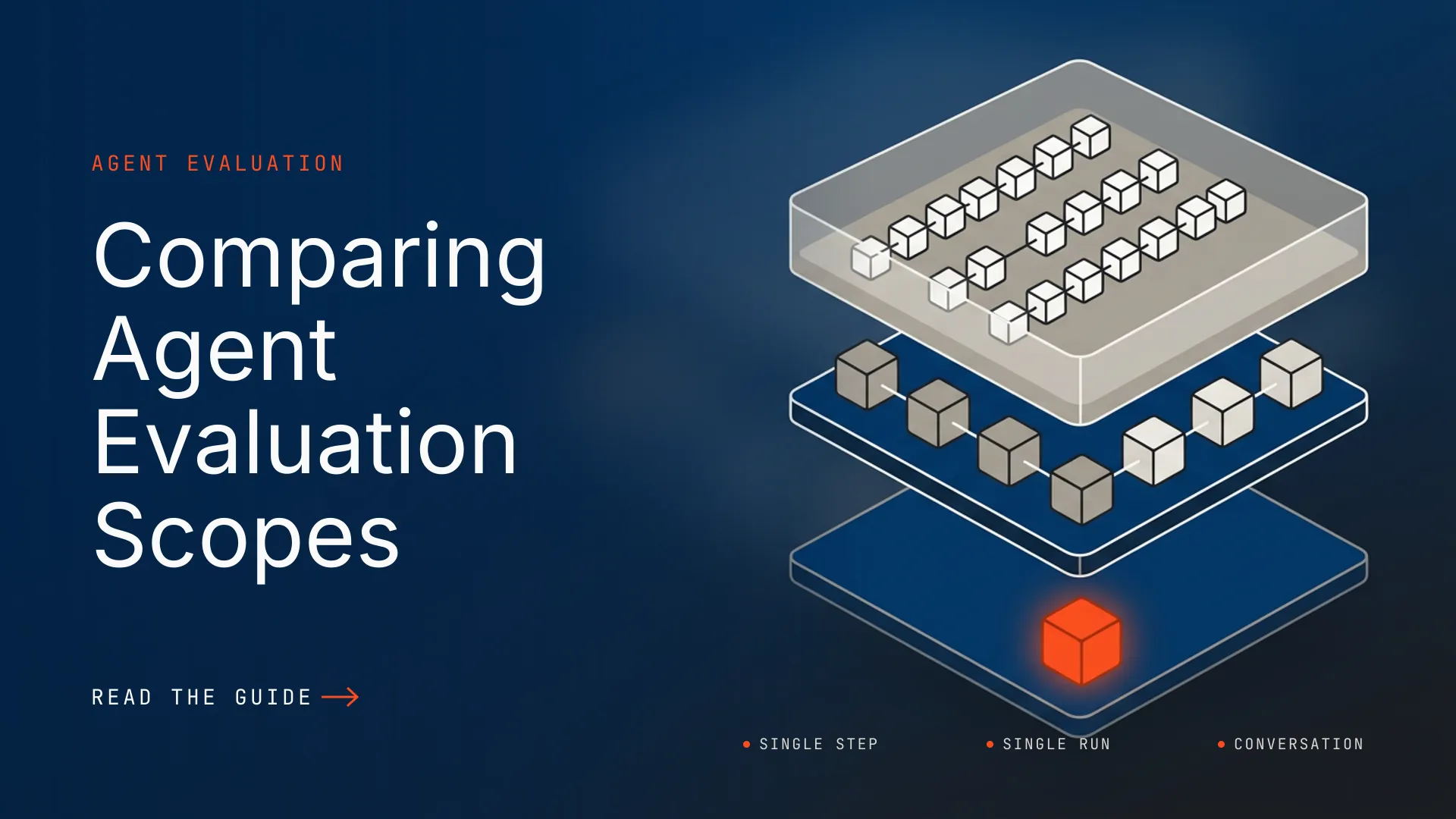
Knowing where to look requires understanding the different scopes of evaluation.
Evaluating a step is about one action. A run is the full task from prompt to completion.
A conversation is the entire history of runs with a user.
These three lenses are built into OpenController by Lyzr, the control plane for enterprise AI agents, to give you the precise level of visibility you need.
A control plane is the neutral layer that governs everything beneath it. For your AI agent fleet, OpenController provides that governance.
Step, Run, Conversation: A Comparison
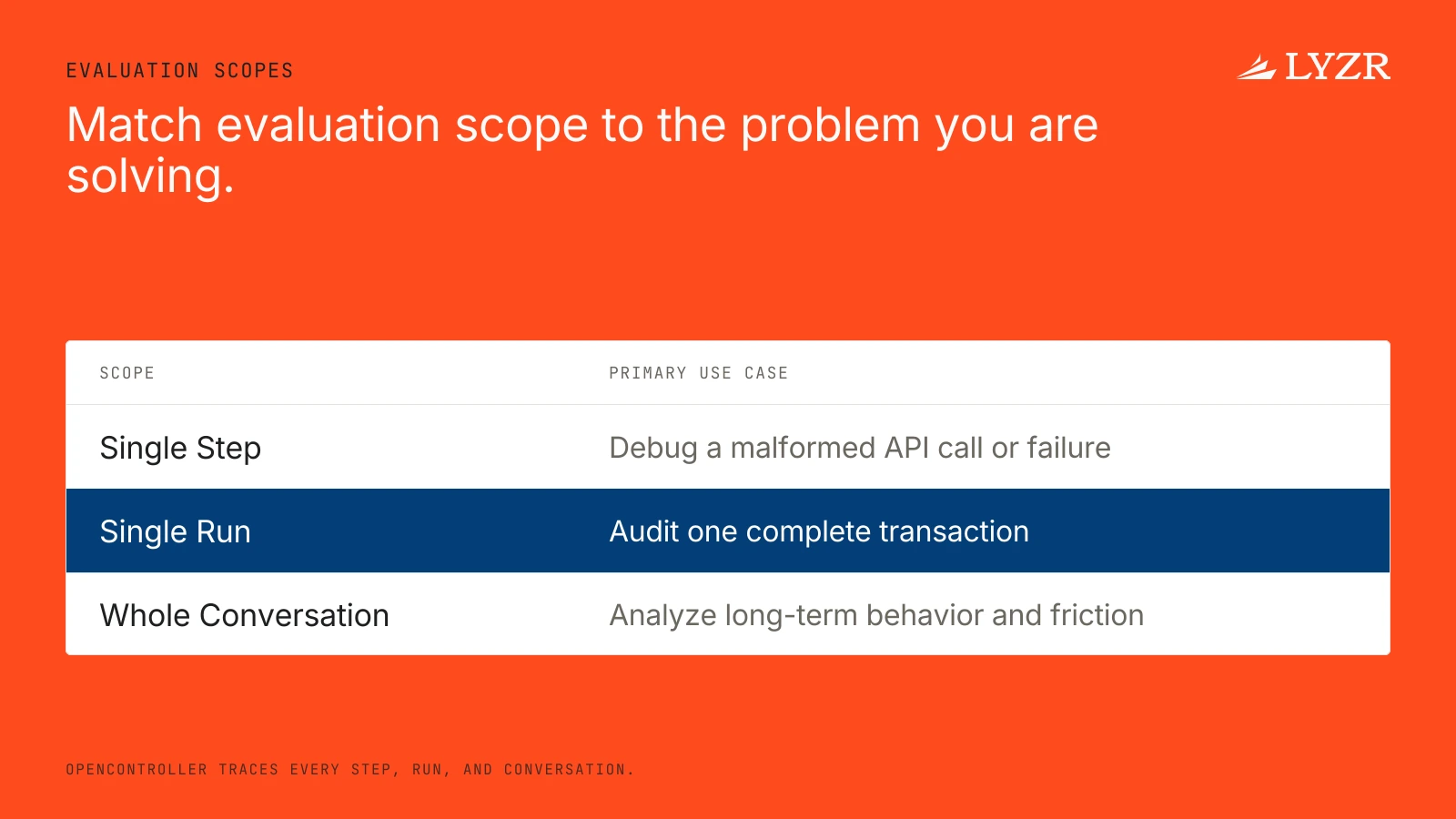
The right level of scrutiny depends on the problem you're solving: debugging a technical fault, auditing a business transaction, or analyzing user experience.
| Scope | What It Is | Primary Use Case |
|---|---|---|
| Single Step | One atomic action. An LLM call, a tool call, a logic branch. The most granular unit of work. | Pinpointing a specific failure. Debugging a malformed API call or a single hallucinated output. |
| Single Run | The complete sequence of steps from a user's prompt to the agent's final answer. A single, self-contained task. | Auditing one complete transaction. Applying a policy to an entire workflow. Monitoring a full transaction is a run-level activity. |
| Whole Conversation | All the back-and-forth runs between a user and an agent in a single session. | Analyzing long-term agent behavior and context retention. Identifying emergent patterns or user friction over time. |
How It Works in Practice
Imagine a finance agent built to process invoices.
A user uploads an invoice and asks the agent to pay it.
Evaluating the Step:
You might isolate the single tool call where the agent reads the routing number from the invoice PDF. If it consistently misreads "8s" as "3s," step-level evaluation tells you exactly which part of the OCR or data extraction logic is broken.
Evaluating the Run:
The entire process, from "Pay this invoice" to "Payment scheduled," is a single run. Here, you evaluate the end-to-end outcome.
Did the agent extract the correct vendor, amount, and due date? Did it follow the multi-step approval policy before initiating payment?
Enforcing these policies happens at the run level.
Evaluating the Conversation:
The user first asks, "What's the status of invoice #123?" The agent replies.
The user then says, "Okay, pay it." The agent pays it. This entire interaction is the conversation.
Evaluating it reveals if the agent correctly maintained context between two separate requests.
It also provides the data for broader observability and analytics on how users interact with the agent.
The Right Lens for the Right Problem
You wouldn't use a microscope to look at a galaxy.
You wouldn't use a telescope to inspect a cell.
Switching between step, run, and conversation views lets your platform team, security team, and product team use the right tool for their job. It's how you move from just building agents to actually managing them in production.
This multi-scope visibility is central to OpenController. See how it works for your teams.
Talk to our team.
Want to see how it fits your stack? Talk to us about OpenController by Lyzr.
Got a use case in mind?
8 weeks from use case to agents running in production.
Platform, people and FDEs, all in. Bring your environment. We'll co-build and stay until it's live.
Talk to UsFree resource
101 AI Agents Use Cases
100+ production-ready AI agent use cases across Marketing, Sales, HR, Banking, Insurance, Operations and a lot more
Download now