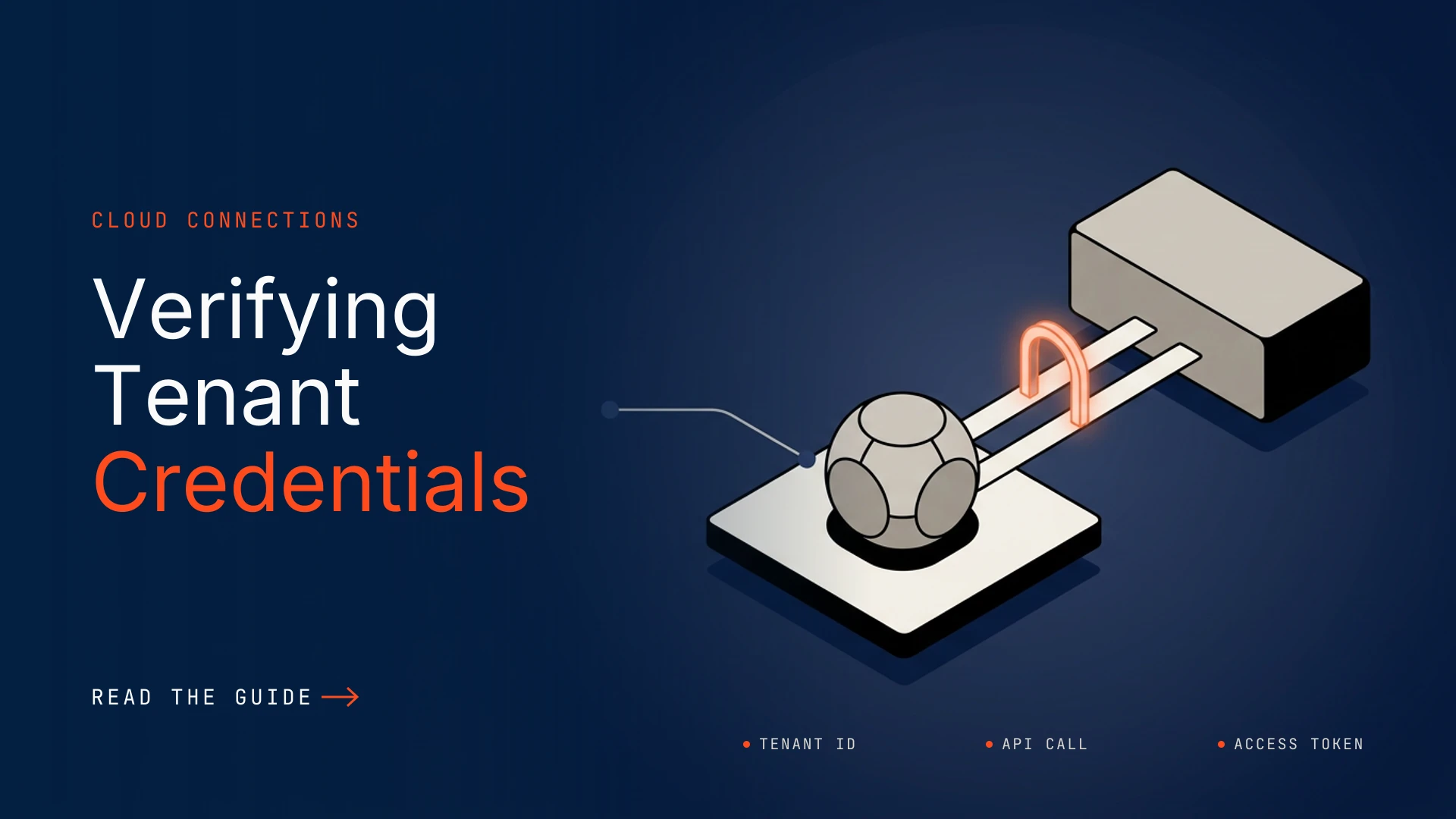
When you click "Verify" on a new cloud connection, OpenController uses the tenant credentials you provided to attempt a direct, one-time authentication against that cloud provider's API.
It's a live handshake.
A success confirms the credentials are valid and have the necessary scope. A failure passes back the specific error from the provider, so you know exactly what to fix.
This validation is a core function of OpenController by Lyzr, the control plane for enterprise AI agents.
Every production agent stack needs a control plane to govern connections and permissions.
Lyzr's control plane is a framework-agnostic layer that ensures these connections are secure and correctly configured before any agent relies on them.
The Verification Handshake
The verification process is a simple, secure sequence designed for immediate feedback.
-
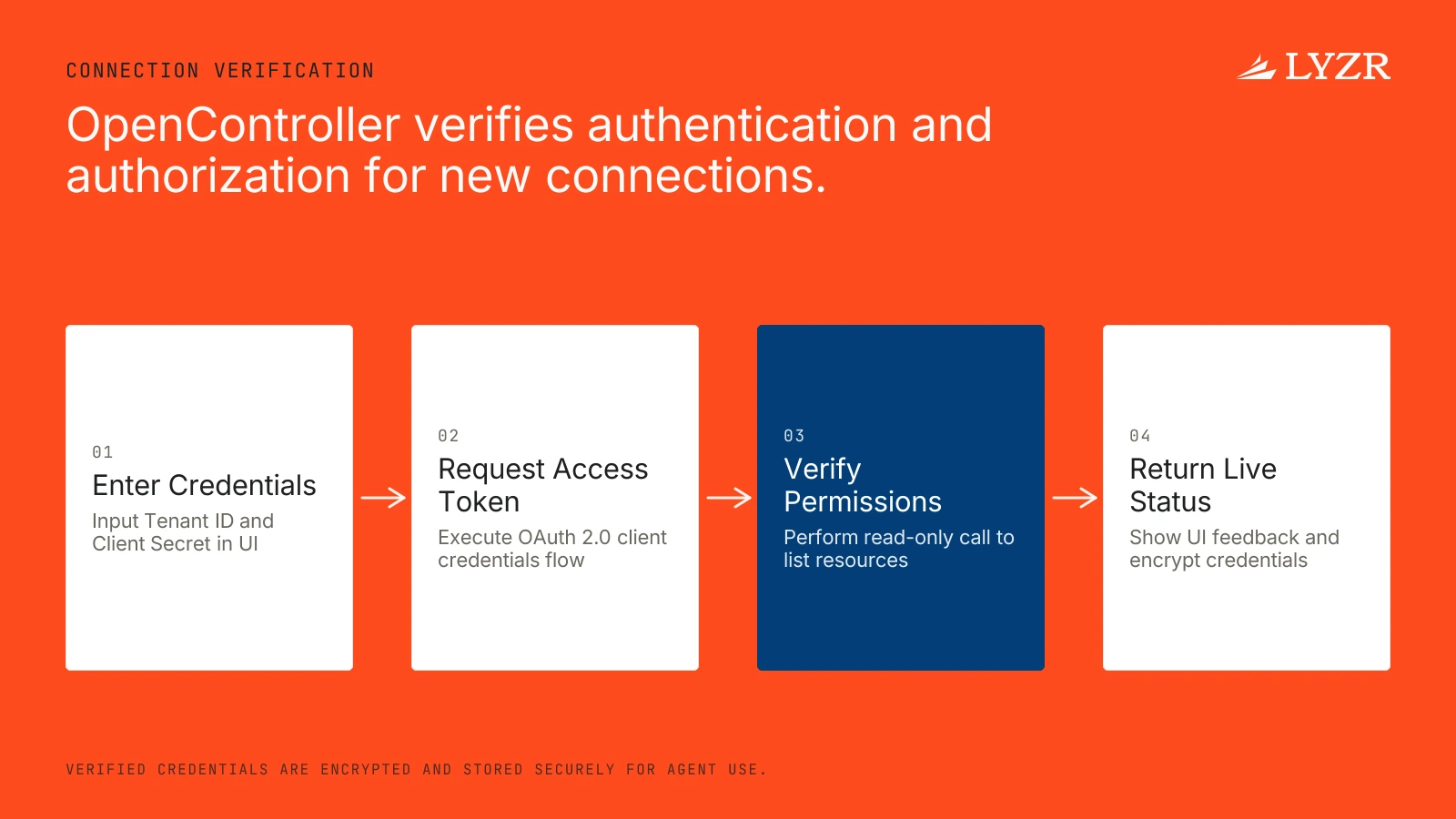
Credentials Entered: You input the necessary identifiers, like a Tenant ID, Client ID, and Client Secret, into the UI.
-
API Call Initiated: Clicking "Verify" triggers an API call from the control plane directly to the cloud service's authentication endpoint.
-
Token Requested: The control plane executes a standard OAuth 2.0 client credentials flow (or the provider's equivalent), presenting the credentials to request an access token.
-
Permission Check: If the credentials are correct and a token is granted, a basic, read-only API call may be performed.
For example, it might try to list a set of available resources.
This confirms the service principal has not just authentication rights, but also the authorization to perform basic actions.
-
Status Returned: The result is immediately returned to the UI. A green check means the connection is live.
A red error message tells you precisely why it failed, such as "Invalid client secret" or "Insufficient permissions to list resources".
Once verified, the credentials are encrypted and stored for your agents to use.
Why a Manual 'Verify' Button?
This explicit step is a deliberate design choice for security and operational stability.
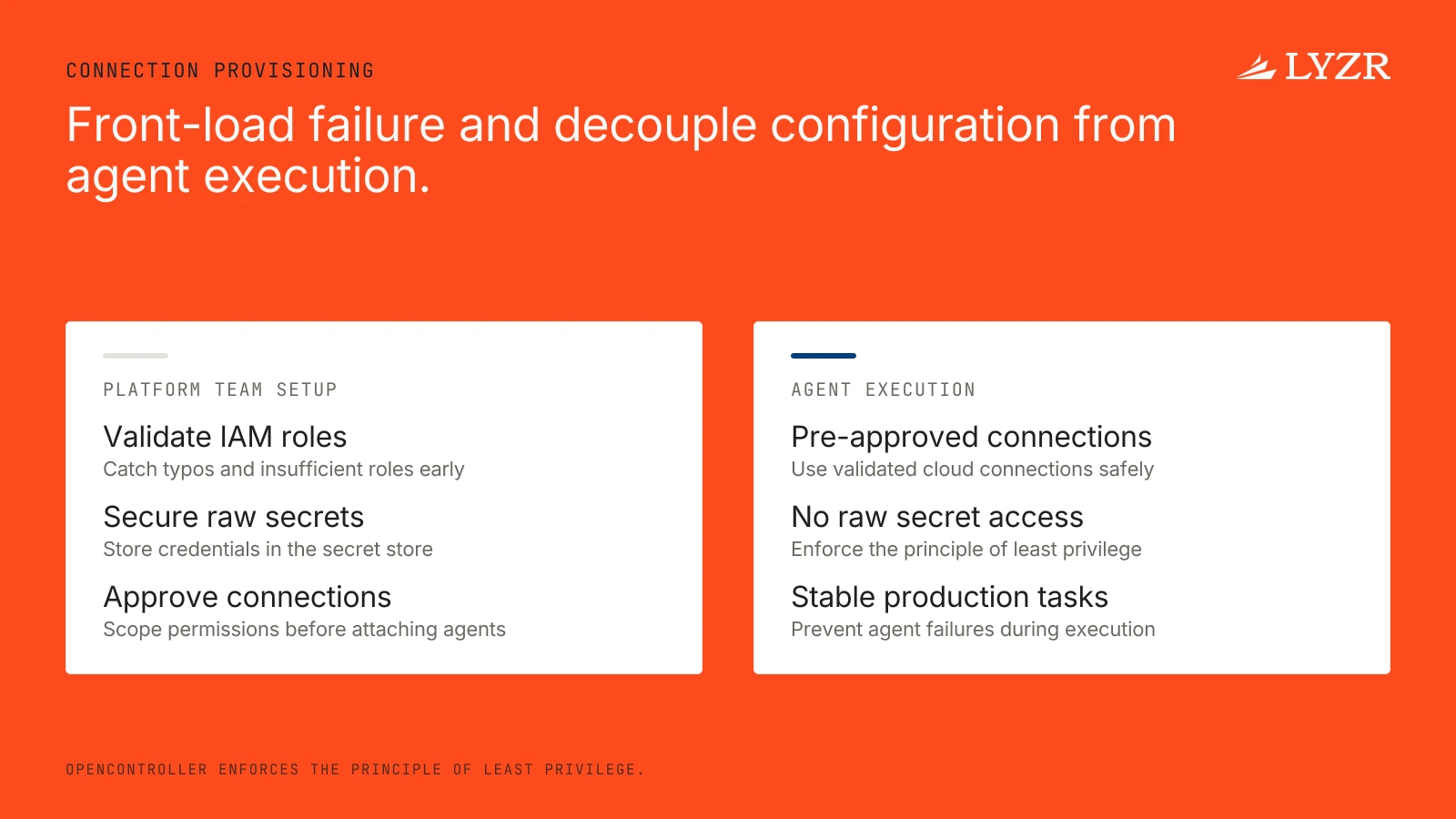
It front-loads failure.
You find out about a typo in a secret or an insufficient IAM role now, during setup, not when an agent fails a critical task in production.
It decouples configuration from execution. Your platform team can set up and validate all necessary cloud connections.
Your agent developers can then use those pre-approved connections without needing access to the raw secrets themselves.
This aligns with the principle of least privilege. You confirm the connection's permissions are scoped correctly before ever attaching it to an agent.
Frequently Asked Questions
What happens to the credentials after verification?
They are immediately encrypted and stored in a secure vault. Agents access these connections through the control plane, never handling the raw secrets directly.
This is part of how Lyzr can call a custom tool and keep its secret encrypted.
Does this give Lyzr access to my cloud environment?
No. The verification is a one-time check initiated from your instance of the control plane. Ongoing access is only used by your agents, running under your control and subject to the policies you define.
Is this different from how OpenController handles delegation to an IdP?
Yes. This process validates a service principal's credentials for a specific application or cloud service, confirming the agent's identity to a system.
In contrast, Lyzr's integration with IdPs like Okta or Entra is about handling user authorization and delegation for the agent's actions on behalf of a person.
Conclusion
The 'Verify' button isn't just a UI element.
It's a security gate that proves authentication and authorization work before an agent ever makes a call.
This simple handshake prevents runtime failures and ensures your agent connections are secure from the start.
Ready to see how Lyzr governs the full agent lifecycle? Talk to us.
Want to see how it fits your stack? Talk to us about OpenController by Lyzr.
Got a use case in mind?
8 weeks from use case to agents running in production.
Platform, people and FDEs, all in. Bring your environment. We'll co-build and stay until it's live.
Talk to UsFree resource
101 AI Agents Use Cases
100+ production-ready AI agent use cases across Marketing, Sales, HR, Banking, Insurance, Operations and a lot more
Download now