Most AI agents today live somewhere you can’t see. They run on a company’s servers, behind a dashboard, inside a format only that company’s software understands.
You can talk to them, and you can watch them work, but you can’t really open them up. You can’t see exactly what rules they’re following, what they’ve learned from past tasks, or track how they’ve changed over the weeks you’ve used them.
GitAgent, an open-source project from Lyzr, takes a completely different approach. Instead of hiding an AI agent’s “self” inside a proprietary system, GitAgent stores everything about the agent, its personality, its rules, its memory, the tools it knows how to use, as plain, readable files inside a Git repository.
Git is the same technology software developers have used for decades to track every change ever made to a piece of code, who made it, and why. GitAgent applies that exact idea to an AI agent instead of a codebase.
The result is an agent that behaves less like a mysterious black box and more like a well-documented employee whose entire personnel file you’re free to read, copy, and edit. And because that file lives in a system built specifically for tracking change over time, you get abilities that simply don’t exist with most AI tools on the market:
- You can copy an agent. Someone else built a version of the agent you like? Take a copy of it as your own starting point, rules and all.
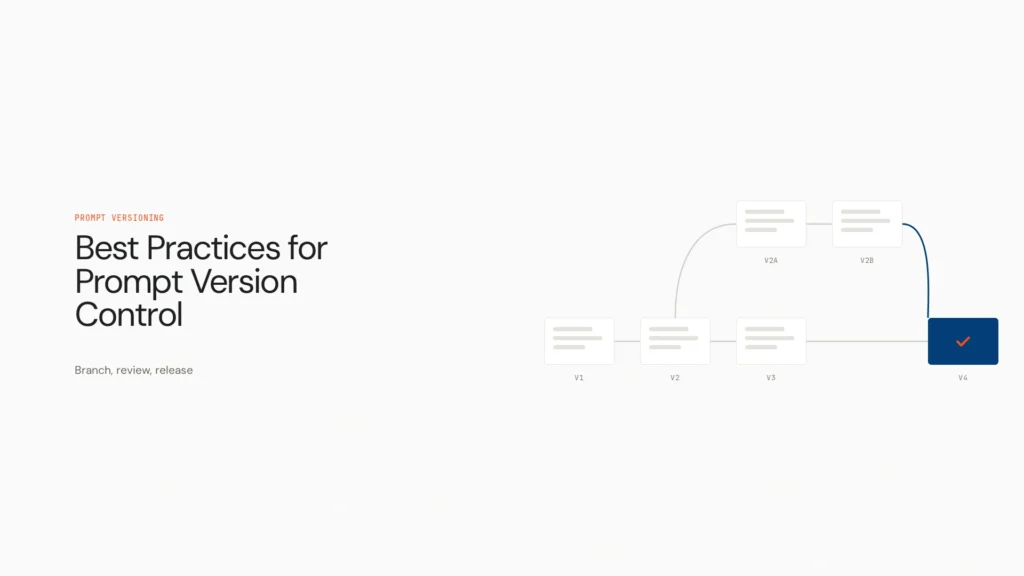
- You can branch it. Want to try a completely different personality or a stricter set of rules, without touching the version that’s already working well? Create a separate branch and experiment safely.
- You can see its full history. Every change the agent’s memory or behavior has gone through is recorded, in order, forever. Nothing quietly disappears.
- You can review changes before they happen. If the agent decides it wants to improve how it works, that proposed change doesn’t take effect automatically — it shows up the same way a coworker’s suggested edit would, waiting for a person to approve it first.
What’s actually inside an agent
Rather than a single sprawling AI “brain,” GitAgent breaks an agent down into distinct, clearly labeled parts — the same way you might break down what makes an employee reliable: their personality, the rules they follow, what they’ve learned, and what they’re equipped to do.
| Part of the agent | What it actually holds |
|---|---|
| Its settings | Which underlying AI model it runs on, and how that model is configured — how careful or creative it should be, how long it’s allowed to work on something before stopping |
| Its personality | A short written description of who the agent is meant to be and how it should come across — formal, casual, cautious, direct |
| Its rules | Hard boundaries the agent isn’t allowed to cross, regardless of what it’s asked to do |
| Its memory | A running, permanent journal of everything the agent has worked on. Nothing here gets quietly erased or overwritten |
| Its tools | The specific real-world actions it’s allowed to take — searching the web, editing a file, running a piece of code, checking a database |
| Its skills | Bundled sets of instructions for handling a particular type of recurring task well, so it doesn’t have to relearn the approach every time |
Because each of these lives as its own separate, human-readable file rather than being buried inside a single opaque model, nothing about the agent is a mystery. Curious why it responded a certain way? Read its rules. Wondering what it’s picked up from past work? Read its memory. That transparency is really the whole point of the project, it’s a deliberate rejection of the idea that an AI agent has to be a black box you simply trust.
How you’d actually use it
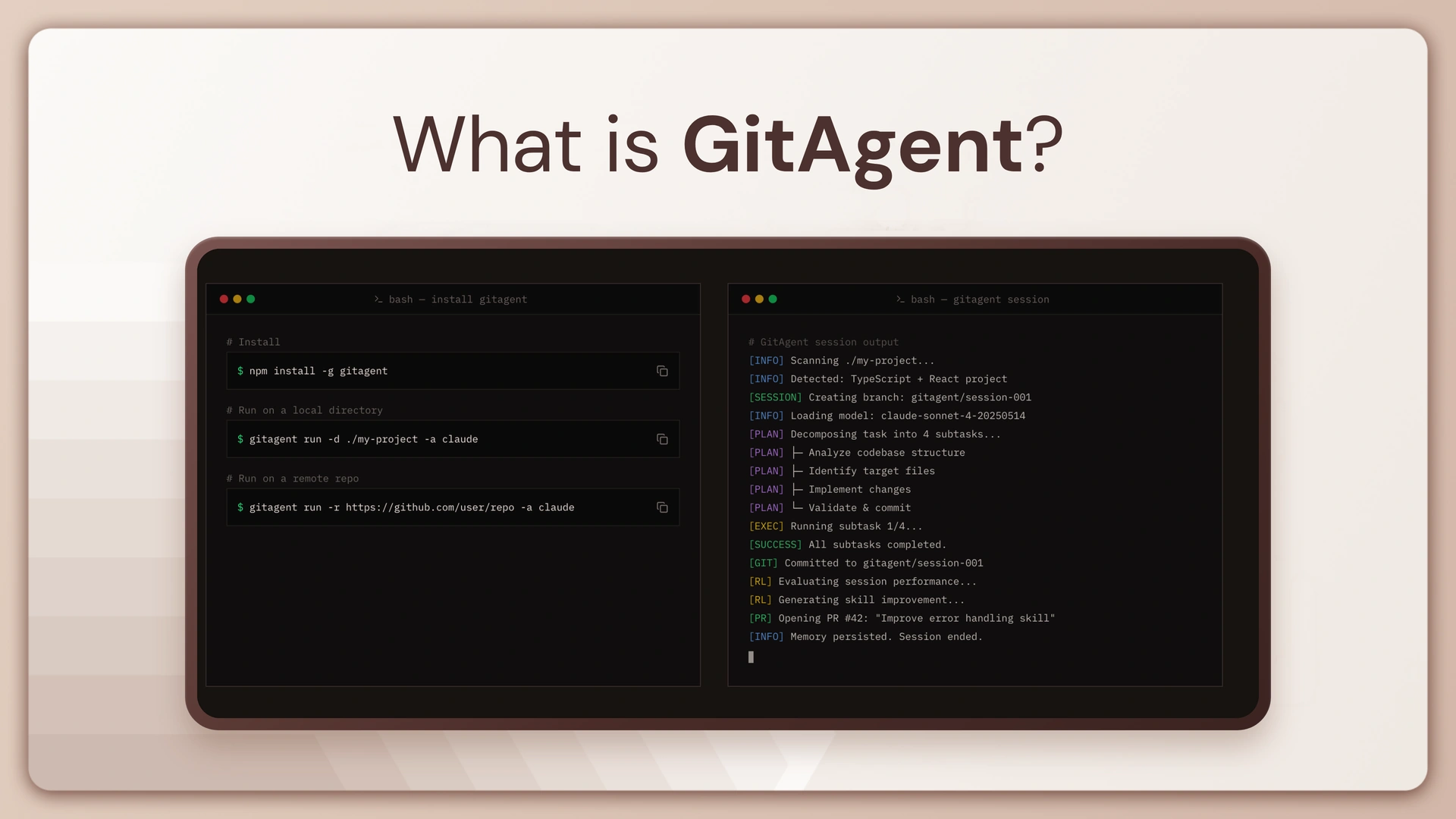
Getting started is meant to be approachable even if you’re not deeply technical. You run a single setup command, answer a couple of quick questions about which AI provider you want to use, and it opens a control panel in your web browser where you can start giving the agent instructions in plain language — things like “look over this project and tell me what could be improved.”
One of its more genuinely useful tricks is how it works with projects that already live on GitHub, the most widely used home for shared code and documents online. Point GitAgent at a project there and ask it to fix a problem, and it doesn’t just barge in and start editing. It makes its changes on a separate draft copy of the project — exactly the way a new contributor would submit their suggested edits for someone else to look over and approve, rather than changing things directly. If the task takes more than one sitting, you can also pick the exact same working session back up later instead of starting over from scratch.
What sets it apart
| Feature | Why it actually matters |
|---|---|
| It learns and proposes its own improvements | Instead of staying frozen the way most AI tools do, GitAgent can notice patterns in the work it’s done and suggest upgrades to how it operates — but nothing changes unless a person reviews and approves it first. |
| You’re not locked into one AI company | It can run on Claude, ChatGPT, Gemini, or several other AI models, and you can set up a backup so it automatically switches if your first choice becomes unavailable or too expensive. |
| It understands more than just text | It can take in and reason about images and video, not only written instructions. |
| It plugs into your existing tools on its own | Connect it to something like a shared database, a company chat tool, or a cloud storage system, and it figures out how to use that connection automatically — no custom setup work required on your end. |
| It’s built with oversight and accountability in mind | Teams that need to know exactly what the agent did, when, and why can turn on detailed activity logs, and set firm rules like “always require a person’s sign-off before taking a risky action.” |
| You can see how well it’s actually performing | It can report back on practical things like how long tasks are taking and what they’re costing, so using it doesn’t feel like flying blind. |
| It can be extended by the community | Other developers can build and share add-on packages that give the agent entirely new abilities, and installing one of these is as simple as running a single command. |
How it fits into the bigger picture
GitAgent isn’t really a standalone invention — it’s the flagship example of a broader open standard called OpenGAP (short for the Open Git Agent Protocol), also maintained by Lyzr. OpenGAP is the rulebook for how an AI agent’s identity, memory, and settings should be organized so that agent can be understood, moved, and even translated to run on other AI platforms entirely. GitAgent is a fully working agent built exactly to that rulebook.
Think of OpenGAP as a detailed blueprint for how a house should be constructed so that any contractor, anywhere, can pick it up and understand exactly how it’s built. GitAgent, then, is an actual house built from that blueprint — one that’s finished, furnished, and ready to move into today.
Who this is really for
You don’t need to be a professional software developer to appreciate what GitAgent is trying to do, but running it today does still call for a bit of technical comfort — it’s built by developers, and for now, it’s mostly technical teams putting it to work. It tends to appeal most to:
- Teams who want complete visibility into how their AI agent behaves and how that behavior changes over time
- Anyone who’s uneasy about an AI’s entire “brain” living inside someone else’s closed, unreadable platform
- Organizations that need to prove — for compliance, trust, or legal reasons — exactly what an AI did and why it did it
- Developers who don’t want to be tied permanently to a single AI provider’s pricing or availability
Both GitAgent and OpenGAP are free, open-source, and actively maintained on GitHub under the open-gitagent organization.
Book A Demo: Click Here
Join our Slack: Click Here
Link to our GitHub: Click Here