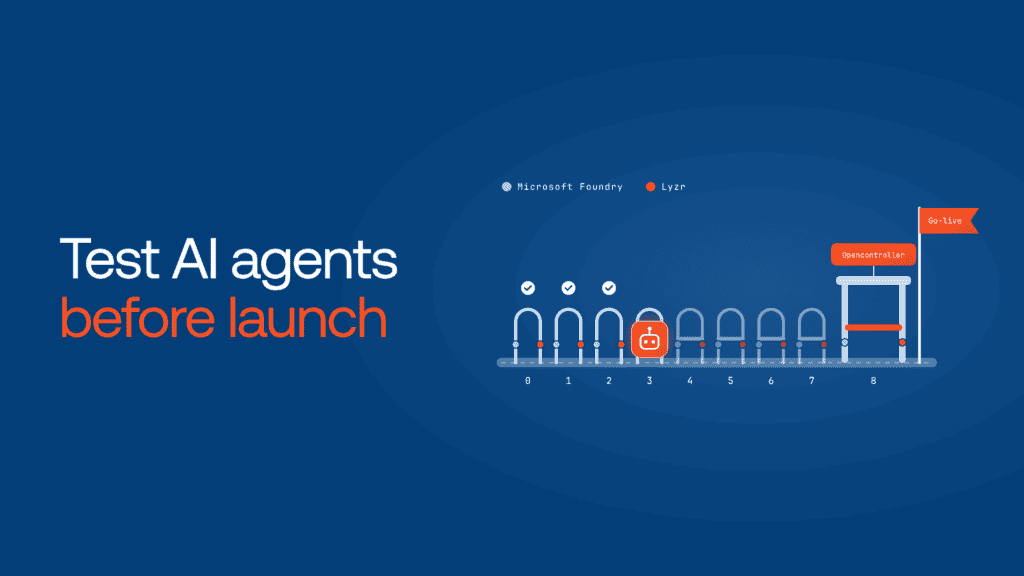
Just like any software, AI agents need testing to ensure they behave as expected. Proper testing helps identify issues early, ensuring your agent delivers accurate responses and functions reliably in real-world scenarios.
In this video, we’ll cover how to test your AI agent and smoothly deploy it using Lyzr Studio. Testing ensures your agent works as expected, while the deployment process makes it easy to get your agent ready for real-world use.
Here’s what we will cover in the video:
- Testing Your AI Agent in the Inference: Test your AI agent’s performance before launch.
- Deploying the Agent: Learn how to finalize your agent by naming it, selecting its category, and providing a description.
- Configuring Visibility Settings: Set the right visibility—decide whether your agent is public or private—and prepare for the launch.
Testing Your AI Agent in Lyzr Agent Studio
Once you’ve set up your AI agent in Lyzr Studio, it’s time to test it. Start by writing a simple query to check if your agent responds correctly.
For example, you could ask, “What is the best practice to generate clean code?” If the agent provides a relevant and accurate response, you know it’s working properly.

Deploying Your AI Agent
Once your agent is tested and functioning well, Lyzr Studio makes deployment easy. To launch your agent as an app:

- Name Your Agent: Give it a name that reflects its purpose.
- Select a Category: Choose the appropriate category for your app.
- Provide a Description: Write a brief description explaining what your agent does.
Choose Visibility Settings
Decide whether you want to keep your app private or make it public. A public app will be listed on the marketplace for everyone to explore, while a private app is only visible to you.

Launching Your App
After setting up the visibility, simply click “Launch App,” and your AI agent is live and ready for use. This simple, intuitive process ensures you can test and deploy your AI agent with minimal effort.
Book A Demo: Click Here
Join our Slack: Click Here
Link to our GitHub: Click Here
Got a use case in mind?
8 weeks from use case to agents running in production.
Platform, people and FDEs, all in. Bring your environment. We'll co-build and stay until it's live.
Talk to UsFree resource
101 AI Agents Use Cases
100+ production-ready AI agent use cases across Marketing, Sales, HR, Banking, Insurance, Operations and a lot more
Download now