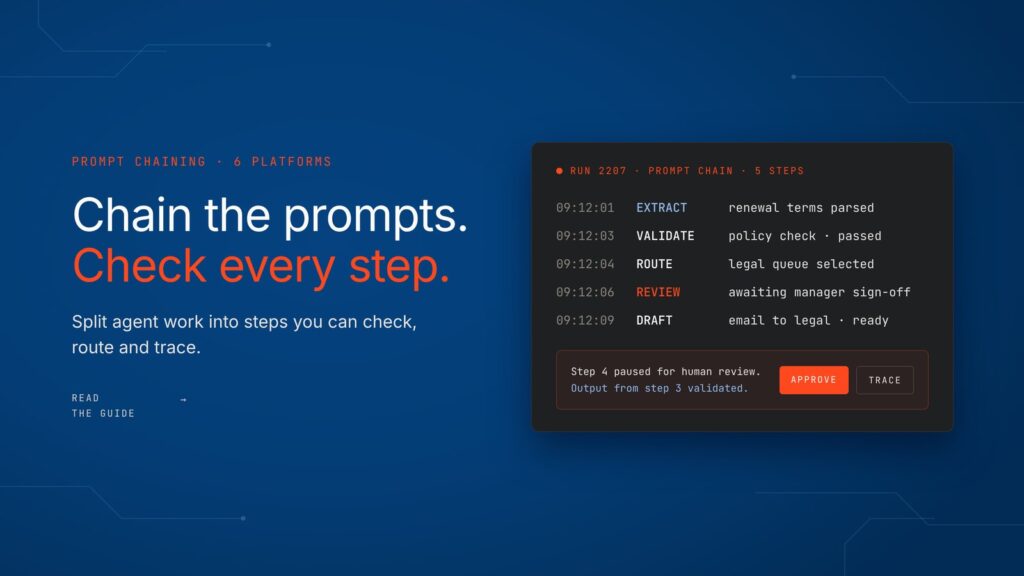

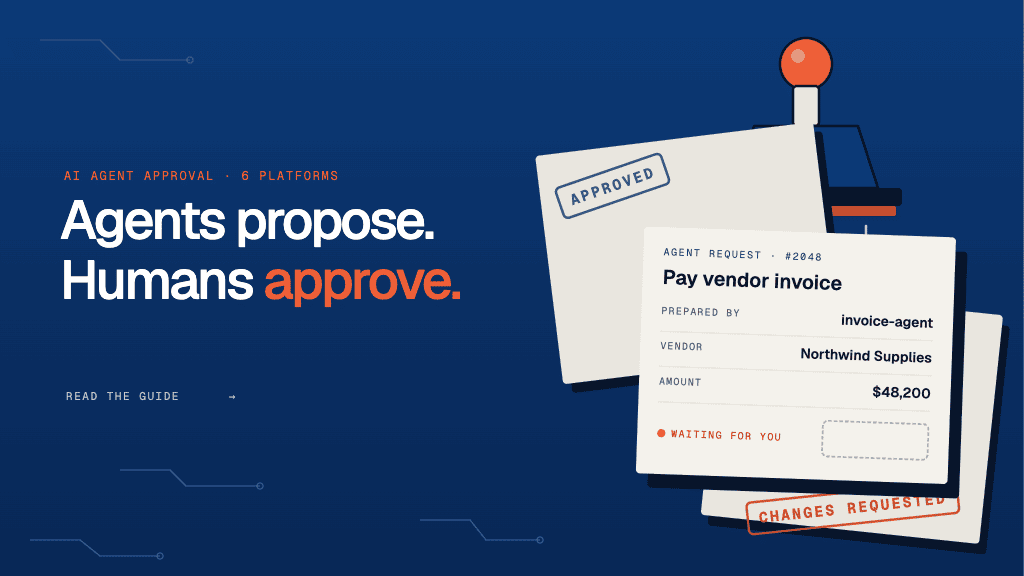
An AI agent can process an invoice, draft a customer response, update a CRM record, or initiate a payment. But should it complete every action without human approval?
For most enterprise workflows, the answer is no.
Some actions are routine and can run automatically. Others involve financial decisions, sensitive information, customer communication, or changes to production systems. These require human review before execution.
This is where AI agent workflow approval and human-in-the-loop (HITL) platforms become important. They allow agents to pause at predefined checkpoints, send decisions to the right reviewers, and resume execution only after approval.
In this guide, we’ll compare the best platforms for building AI agent approval workflows, examine their capabilities, and help you choose based on your team’s requirements.
Quick Comparison: Best AI Agent Approval and Human Review Platforms
| Platform | Best for | Human approval | Workflow control |
|---|---|---|---|
| Lyzr Agent Studio | Enterprise agent lifecycle and controlled deployments | ✅ Approval gates | ✅ |
| n8n | Integration-heavy AI workflows | ✅ Human review steps | ✅ |
| LangGraph | Developer-controlled agent workflows | ✅ Interrupt and resume | ✅ |
| Microsoft Copilot Studio | Microsoft enterprise environments | ✅ Human-involved flows | ✅ |
| Zapier | Business process automation | ✅ Approval workflows | ⚠️ Depends on workflow |
| Temporal | Long-running, mission-critical processes | ✅ Custom approval signals | ✅ |
1. Lyzr Agent Studio – Best for Enterprise Agent Governance and Controlled Deployments
Best for: Enterprise teams managing agent versions, releases, and production approvals.
Building an AI agent is only one part of managing it. Enterprises also need to control which agents reach production, who can approve changes, and whether a deployment meets internal requirements.
Lyzr Agent Studio provides a no-code and low-code environment for building, testing, deploying, and monitoring AI agents. Its approval workflows, built on GitAgent, introduce controlled promotion between environments.
Key capabilities include:
- Branch-based approval gates: Require approvals before promoting agents from development to production.
- Role-based reviewers: Assign specific team members or roles to review changes.
- Multiple approvals: Configure the minimum number of approvals required before promotion.
- Version control: Manage agent changes across different environments.
- Deployment visibility: Track pending promotion requests and approval status.
One important distinction: Lyzr’s documented approval flows focus on agent version promotion and release governance, rather than providing a universal approval inbox for every runtime action.
This makes it particularly relevant for organizations that want controlled agent deployment alongside their broader agent lifecycle management.
Explore Lyzr Agent Studio
2. n8n – Best for Integration-Driven Human Approval Workflows
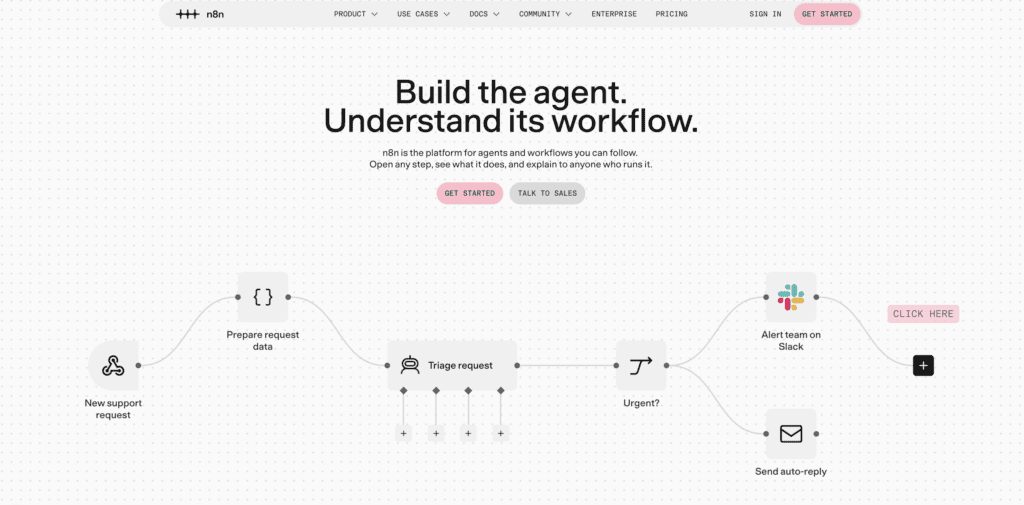
Best for: Technical teams connecting AI agents with business applications.
An agent might extract information from an invoice, validate the details, and prepare a payment request. But the payment should not automatically proceed without the appropriate authorization.
n8n helps teams introduce human approval into AI-driven automation workflows.
Its human-review capabilities allow workflows to pause before selected AI tool calls. Reviewers can approve or deny actions before execution continues.
Key capabilities include:
- Human review before selected AI tool executions.
- Integration with external applications and APIs.
- Visual workflow orchestration.
- Conditional routing based on approval outcomes.
- Cloud and self-hosted deployment options.
n8n works particularly well when teams want to connect existing business applications and introduce approval checkpoints without building an entire orchestration layer from scratch.
However, teams still need to design their approval logic carefully, especially when multiple agents or long-running workflows are involved.
3. LangGraph – Best for Developer-Controlled Human-in-the-Loop Workflows
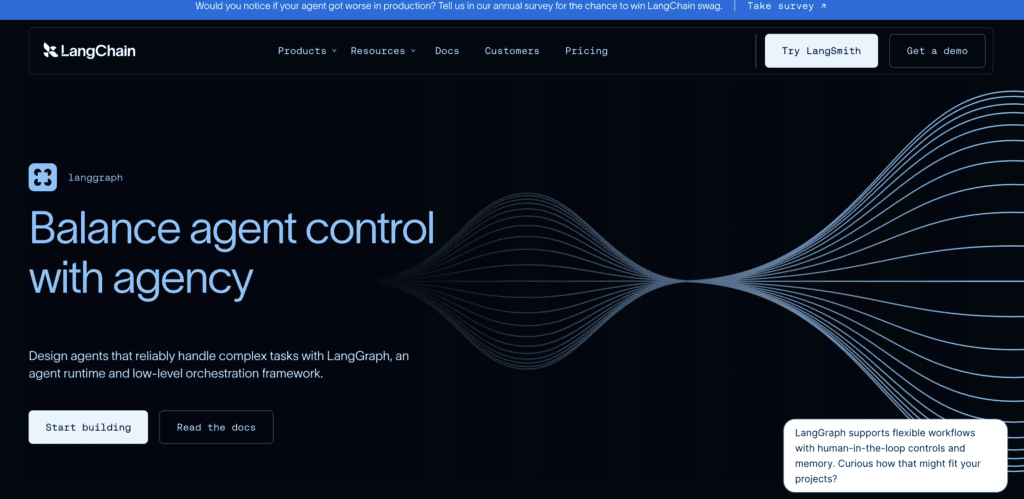
Best for: Engineering teams building complex, stateful AI agents.
Not every approval workflow follows a predictable sequence. Sometimes an agent needs additional information, sometimes a reviewer must modify its proposed action, and sometimes execution needs to restart from an earlier stage.
LangGraph supports these scenarios through its stateful graph execution model.
Its interrupt functionality allows developers to pause agent execution, save the current state, wait for human input, and resume the workflow.
Key capabilities include:
- Interrupt-based human review.
- Persistent execution state through checkpointers.
- Conditional workflow routing.
- Human feedback before execution resumes.
- Support for complex, multi-step agent workflows.
For example, an AI research agent could prepare a recommendation, pause for a manager’s review, incorporate feedback, and continue processing.
The trade-off is implementation effort. LangGraph provides the underlying execution primitives, but developers generally need to build the reviewer interface, notifications, and approval management experience themselves. Docs by LangChain+1
4. Microsoft Copilot Studio – Best for Enterprise Approval Processes
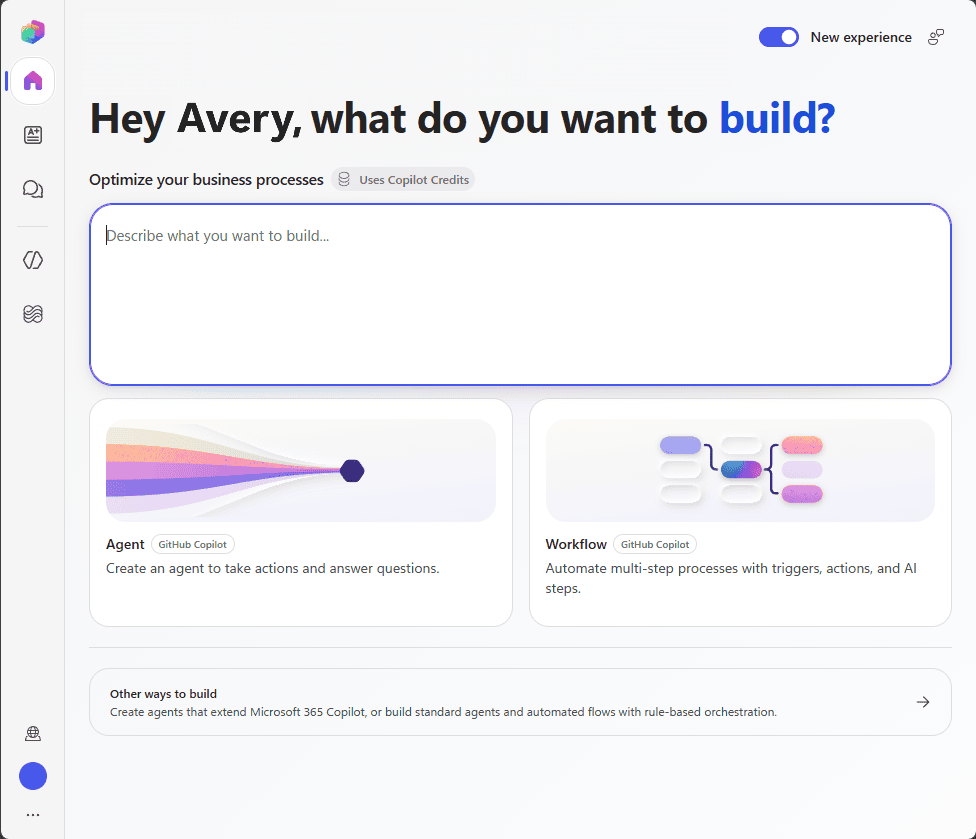
Best for: Organizations using Microsoft 365, Teams, and Power Automate.
For enterprises already operating within Microsoft’s ecosystem, introducing another approval platform can create unnecessary complexity.
Microsoft Copilot Studio supports human-in-the-loop workflows through its agent flows and approval capabilities.
Teams can combine AI-driven decision stages with manual approval stages, allowing routine requests to be processed automatically while sensitive decisions go to designated reviewers.
Key capabilities include:
- Multistage approval workflows.
- Human review and information collection.
- AI-assisted approval decisions.
- Conditional routing between approval stages.
- Approval responses through Microsoft Teams and Outlook.
For instance, an expense-processing agent can validate a submitted invoice, perform initial checks, and route higher-value expenses to a finance manager.
Its biggest advantage is its integration with the Microsoft ecosystem. However, organizations outside that ecosystem may find the platform less convenient to adopt. Microsoft Learn+1
5. Zapier – Best for Business-Led Approval Automation
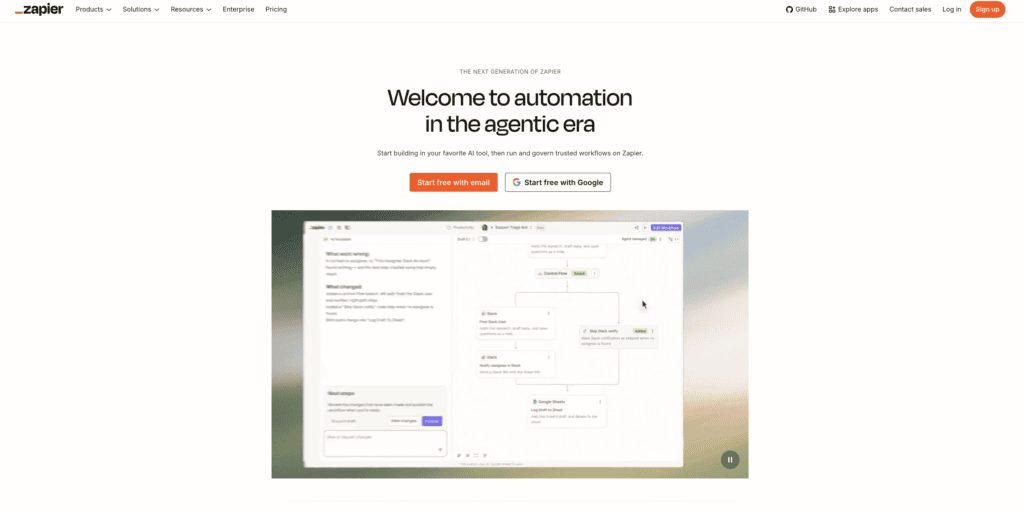
Best for: Business teams automating repetitive tasks across SaaS applications.
Many organizations don’t need a complex agent orchestration framework. They simply need an AI workflow to prepare an action and request approval before completing it.
Zapier is a practical option for connecting AI-driven workflows with everyday business applications.
Teams can build automation sequences that route requests for review and continue based on the resulting decision.
Key capabilities include:
- Connecting AI workflows with business applications.
- Approval-based automation patterns.
- Conditional workflow execution.
- Application integrations.
- Low-code workflow configuration.
Zapier is suitable for straightforward processes such as reviewing generated content, approving CRM updates, or routing lead information.
However, teams building complex, stateful multi-agent systems may need more specialized orchestration capabilities.
6. Temporal – Best for Long-Running Enterprise Approval Processes
Best for: Engineering teams managing mission-critical workflows.
Some approval workflows take minutes. Others take several days because they involve multiple departments, compliance checks, and management sign-offs.
Temporal is designed for durable workflow execution, making it useful for processes that must maintain their state while waiting for external decisions.
Key capabilities include:
- Durable workflow execution.
- Signals for receiving external approval decisions.
- Workflow state management.
- Retry and failure recovery.
- Support for long-running business processes.
For example, an AI procurement agent could prepare a purchase request, wait for finance approval, and resume processing once the decision arrives.
Temporal is particularly useful when reliability and execution continuity matter. However, it is developer-oriented, and teams must build the approval interface and associated business logic.
How to Choose the Right AI Agent Approval Platform
Choosing a platform based only on whether it supports human approval can lead to the wrong decision.
The more important question is: What exactly needs human approval, and where should that approval happen?
Use this decision matrix:
| Your requirement | Recommended platform |
|---|---|
| Control agent versions and production releases | Lyzr Agent Studio |
| Approve AI tool calls across integrations | n8n |
| Pause and resume complex agent execution | LangGraph |
| Manage approvals within Microsoft workflows | Microsoft Copilot Studio |
| Automate straightforward business approvals | Zapier |
| Manage long-running approval processes | Temporal |
Before making a decision, evaluate these five capabilities:
- Approval checkpoints: Can you define exactly when an agent must stop and request human intervention?
- Reviewer permissions: Can approvals be assigned to specific individuals or roles?
- Execution control: Does the agent actually pause until approval, rejection, or additional input is received?
- Auditability: Can you track who approved an action, when it happened, and what information they reviewed?
- Deployment and governance: Can the platform support your organization’s security, infrastructure, and compliance requirements?
These capabilities determine whether human review becomes a meaningful control or simply another notification in the workflow.
Final Thoughts
AI agent workflow approval is not about slowing down automation. It is about deciding where autonomous execution makes sense and where human judgment remains necessary.
For developer-led teams, LangGraph and Temporal provide greater control over execution. n8n and Zapier are practical for connecting approval steps with business applications, while Microsoft Copilot Studio suits organizations operating within Microsoft’s ecosystem.
For enterprises managing the complete agent lifecycle, Lyzr Agent Studio offers a way to combine agent development, testing, deployment, and controlled release approvals.
The right choice ultimately depends on whether you need to approve an individual action, review an agent’s output, or control how an agent moves into production.
Frequently Asked Questions
1. What is human-in-the-loop approval in AI agent workflows?
Human-in-the-loop approval is a mechanism that pauses an AI agent’s workflow and requests human input before proceeding with a specific action. It helps organizations maintain oversight over sensitive decisions, financial transactions, customer communications, and other high-impact operations.
2. Why do AI agents need human approval workflows?
AI agents can make mistakes, misinterpret instructions, or take actions outside their intended scope. Approval workflows introduce checkpoints where authorized people can review, approve, reject, or modify proposed actions before execution.
3. What is the difference between human-in-the-loop and human-on-the-loop?
Human-in-the-loop requires direct human intervention at specific stages before an agent proceeds. Human-on-the-loop allows agents to operate independently while people monitor their activities and intervene when necessary.
4. Can AI agent workflows have multiple approval stages?
Yes. Platforms such as Microsoft Copilot Studio and Lyzr Agent Studio support multistage approval patterns for their respective use cases. Organizations can configure different reviewers, approval requirements, and conditions depending on the workflow.
5. What should enterprises look for in an AI approval platform?
Enterprises should evaluate approval checkpoints, reviewer permissions, execution control, audit trails, integration capabilities, deployment flexibility, and governance features. The platform should ensure that an agent cannot bypass mandatory approval requirements.
Suggested internal links included: Lyzr Agent Studio, Approval Flows documentation. External feature references: Microsoft Learn and LangGraph documentation.
Book A Demo: Click Here
Join our Slack: Click Here
Link to our GitHub: Click Here
Got a use case in mind?
8 weeks from use case to agents running in production.
Platform, people and FDEs, all in. Bring your environment. We'll co-build and stay until it's live.
Talk to UsFree resource
101 AI Agents Use Cases
100+ production-ready AI agent use cases across Marketing, Sales, HR, Banking, Insurance, Operations and a lot more
Download now